How to Optimize Your Laptop’s Performance: Tips and Tricks
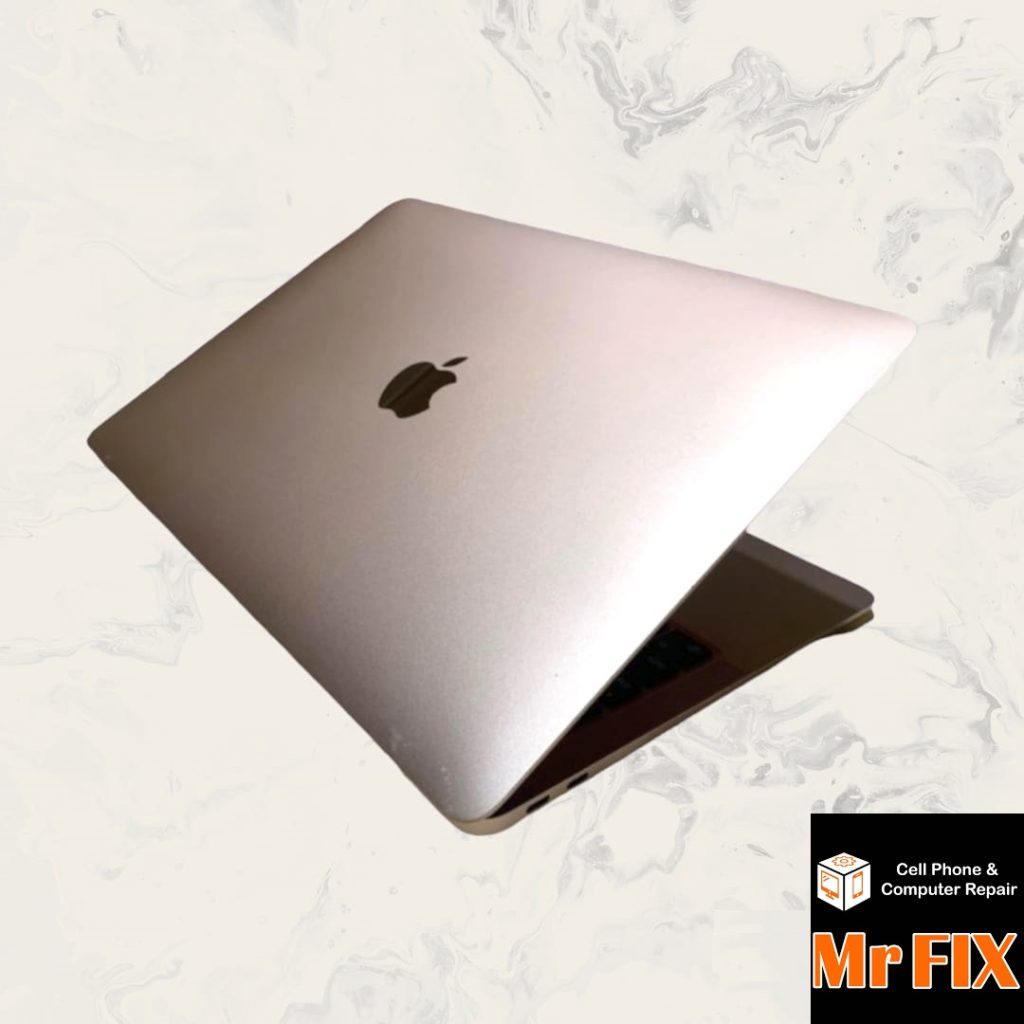
Keep Software Updated: Regular updates enhance speed and stability by fixing bugs and adding performance improvements.
Manage Startup Programs: Disable unnecessary applications from auto-launching to speed up boot time.
Clear Unnecessary Files: Remove temporary files and old downloads to free up storage space and improve speed.
Upgrade Hardware: Consider increasing RAM or switching to an SSD for a significant speed boost.
Manage Browser Tabs: Limit the number of open tabs or use extensions to manage them efficiently.
Enable Power Saving Mode: This mode conserves resources and can improve performance.
Scan for Malware and Viruses: Regularly update and use a reliable antivirus program to keep your system clean.
Adjust Visual Effects: Reduce animations and transparency to ease the load on your graphics card and CPU.
Manage Background Processes: Close or uninstall resource-intensive applications running in the background.
Consider a Lightweight Operating System: Switching to a lightweight OS like Linux can revitalize older or less powerful laptops.
Keep exploring
iPhone Repair: What to Fix and What to Skip
Need iphone repair fast? Learn which iPhone problems are worth fixing, what affects cost, and how to choose a qualified local repair shop.
How to Know Battery Replacement Is Due
Learn how to know battery replacement is due on your phone, tablet, or laptop with clear signs, battery health tips, and what to do…
Android Phone Repair Software Explained
Learn how android phone repair software helps diagnose, update, recover, and restore devices before or after common hardware repairs.