MR FIX JOURNAL
Tech tips

Best Practices for iPad Data Backup and Recovery
iPads are now crucial in our digital lives for work and play. It’s essential to protect the data on them. Here’s how: Backup Regularly:…
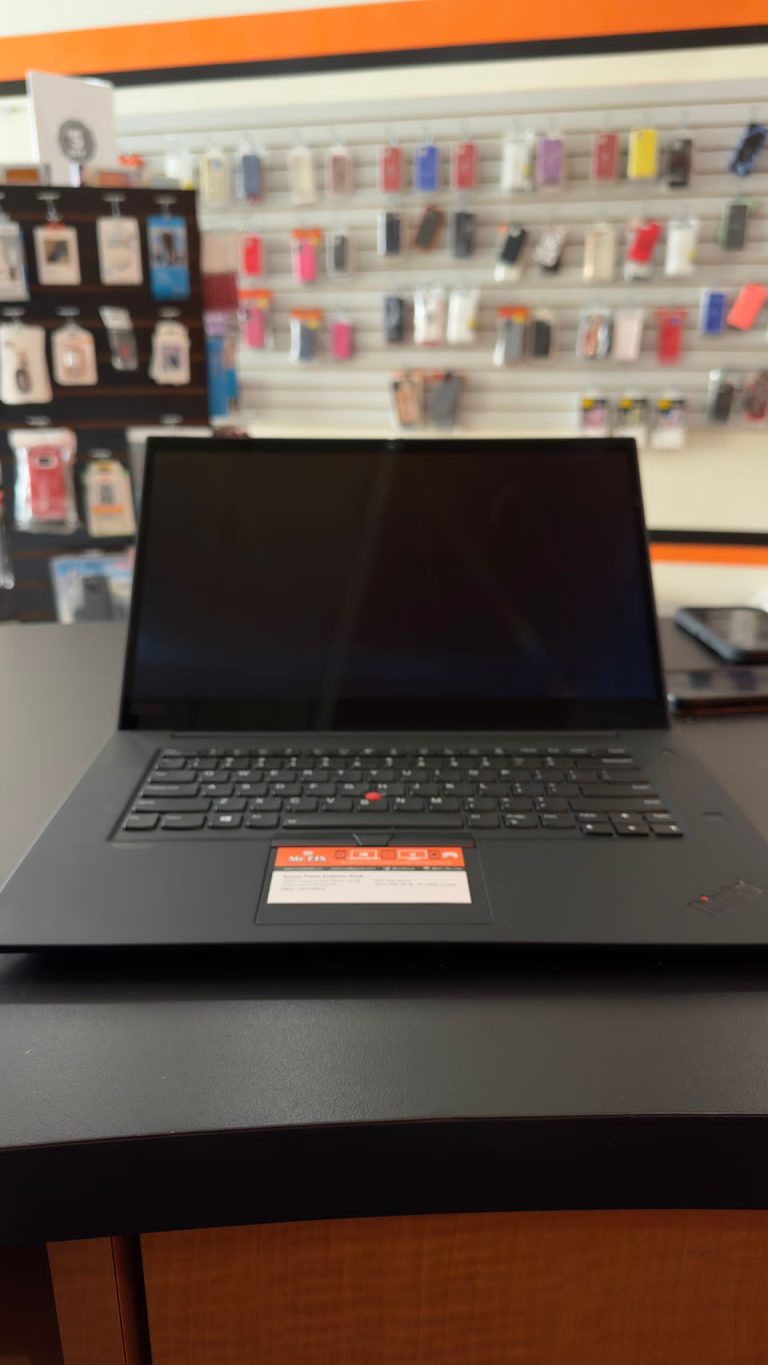
Tips for Your Laptop Performance Maintenance
Keep Your System Updated: Always update your operating system, drivers, and software. Uninstall Unnecessary Programs: Review your installed programs and remove any applications you…

Responsible Practices for Phone Disposal
Backup your data: Before disposing of your phone, make sure to back up any important data, such as contacts, photos, and documents. This can…
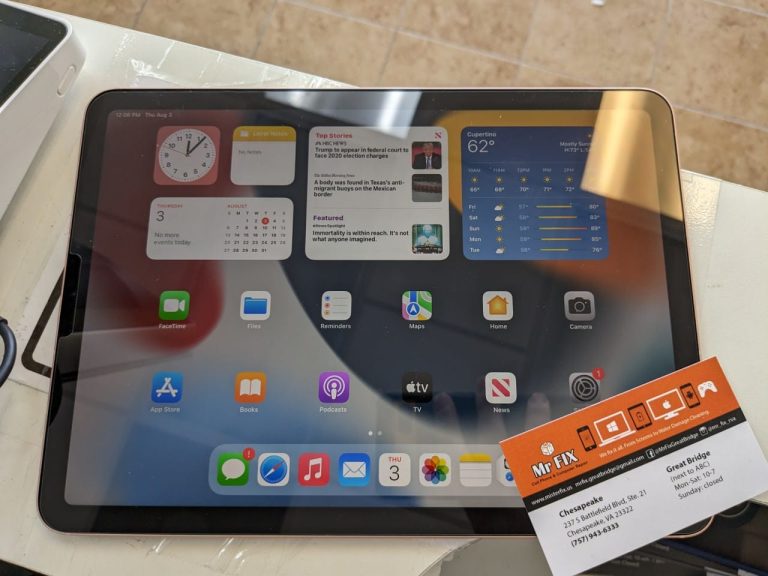
Tips to Maintain Your iPad’s Performance
iPads are essential tools for various tasks, but they can slow down over time. To keep your iPad running smoothly: Update Software: Go to…
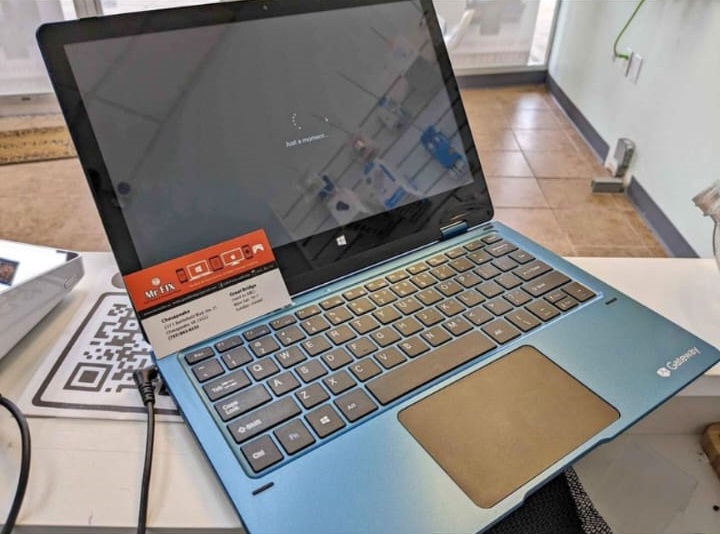
Overheating Issues? Here’s How to Keep Your Laptop Cool and Efficient
Laptops are essential for work, entertainment, and communication in our fast-paced digital lives. However, heavy usage can lead to a common problem: overheating. Here,…
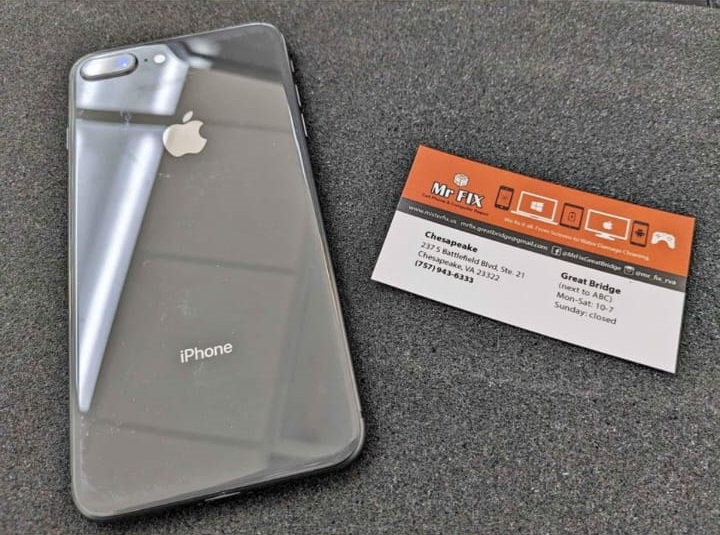
My iPhone Is Not Vibrating At All
If your iPhone is not vibrating at all, it is possible that there is a software issue with your device. One way to address…
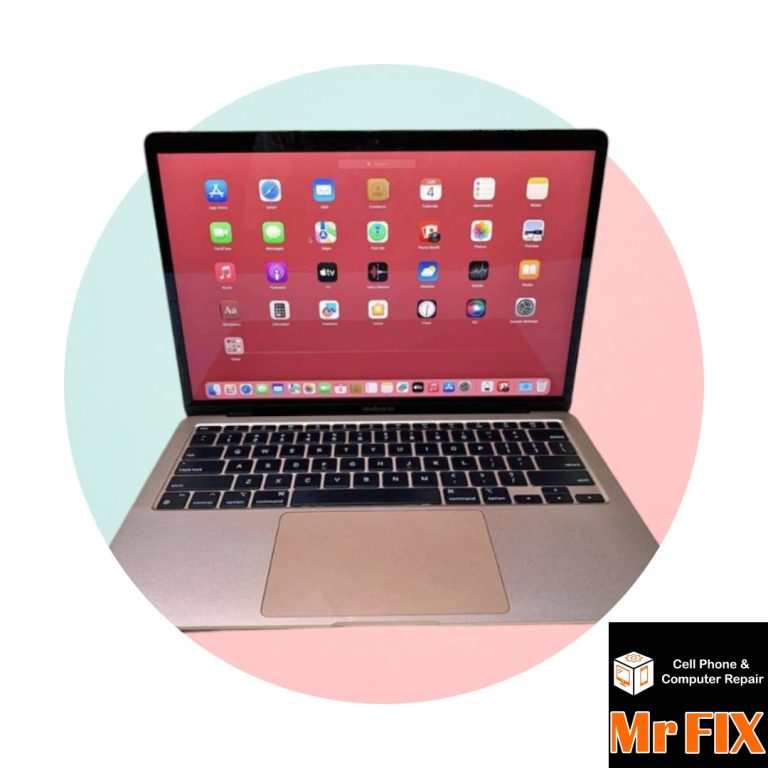
MacBook Keywords Are Not Functioning, Here is the Fix 😉
Restart your MacBook: A simple restart may fix the problem. Check keyboard settings: Ensure that the keyboard settings are configured correctly. Go to System…
Why Do We Use The Airplane Mode?
Safety: When on an airplane, using wireless devices like smartphones and tablets can potentially interfere with the aircraft’s communication and navigation systems. Airplane mode…
Tips To Prevent Your Phone From Overheating
Avoid Intensive Usage: Limit the use of demanding apps or games that push your device’s hardware to the limit, especially in hot environments. Optimize…