MR FIX JOURNAL
Tech tips
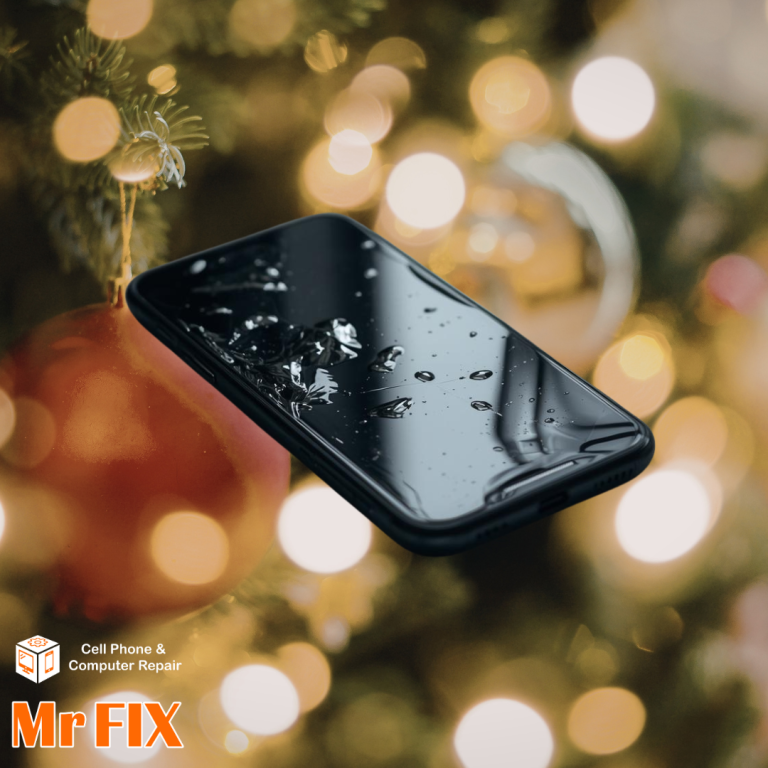
Step-by-Step Guide to Checking for Water Damage on Your iPhone
Step-by-Step Guide to Checking for Water Damage on Your iPhone If your iPhone accidentally falls into water, you could feel scared for a second.…
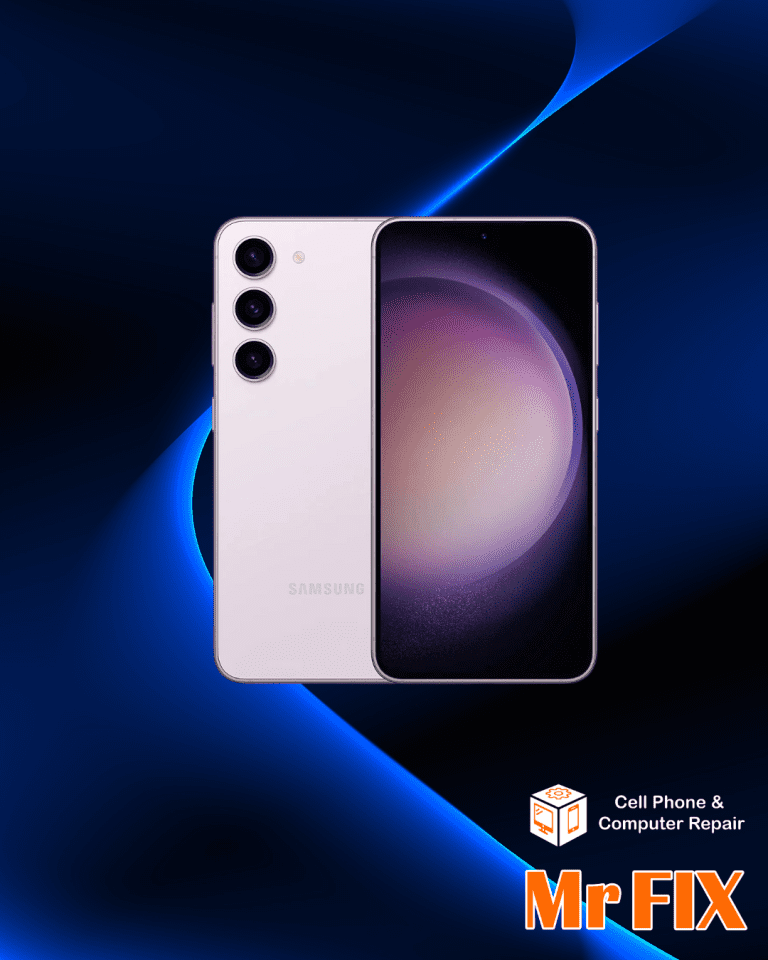
Repair Guide for the Samsung Galaxy S23 Ultra: Everything You Need to Know
The Samsung Galaxy S23 Ultra is a modern engineering marvel that gives users an amazing experience. It has a cutting-edge camera system, a powerful…
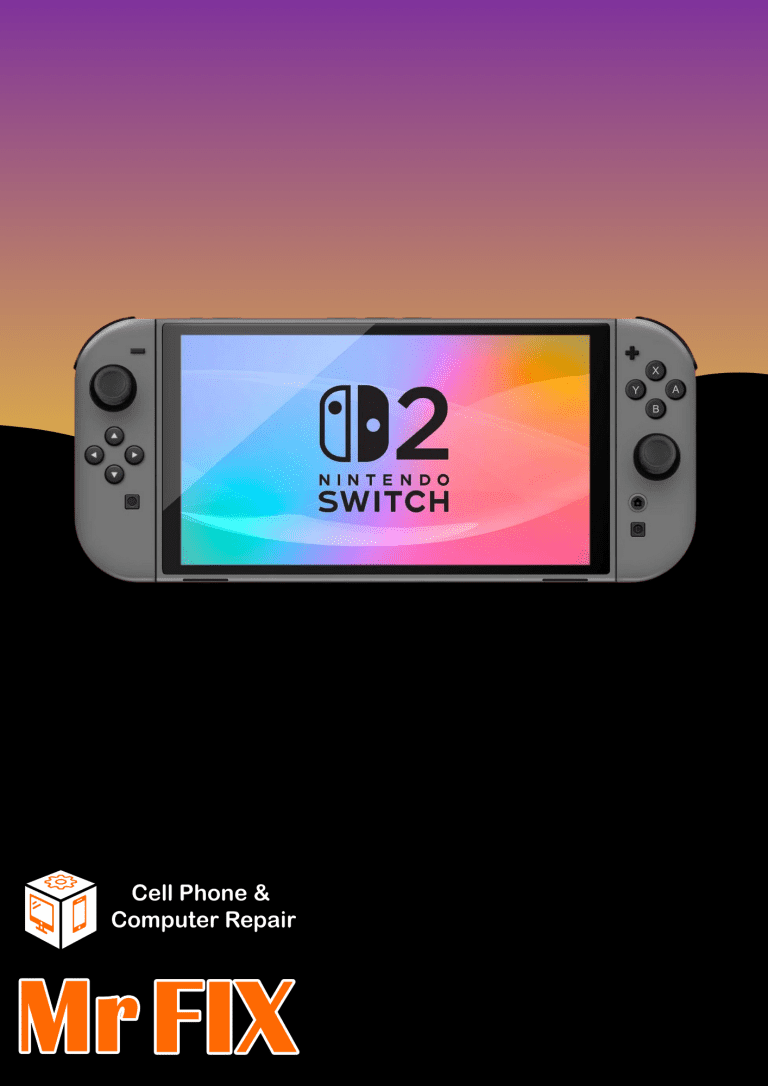
Complete Guide to Fixing Common Nintendo Switch Problems
Millions of people love the Nintendo Switch because of its unique design and flexible gameplay, which lets you easily switch from playing at home…
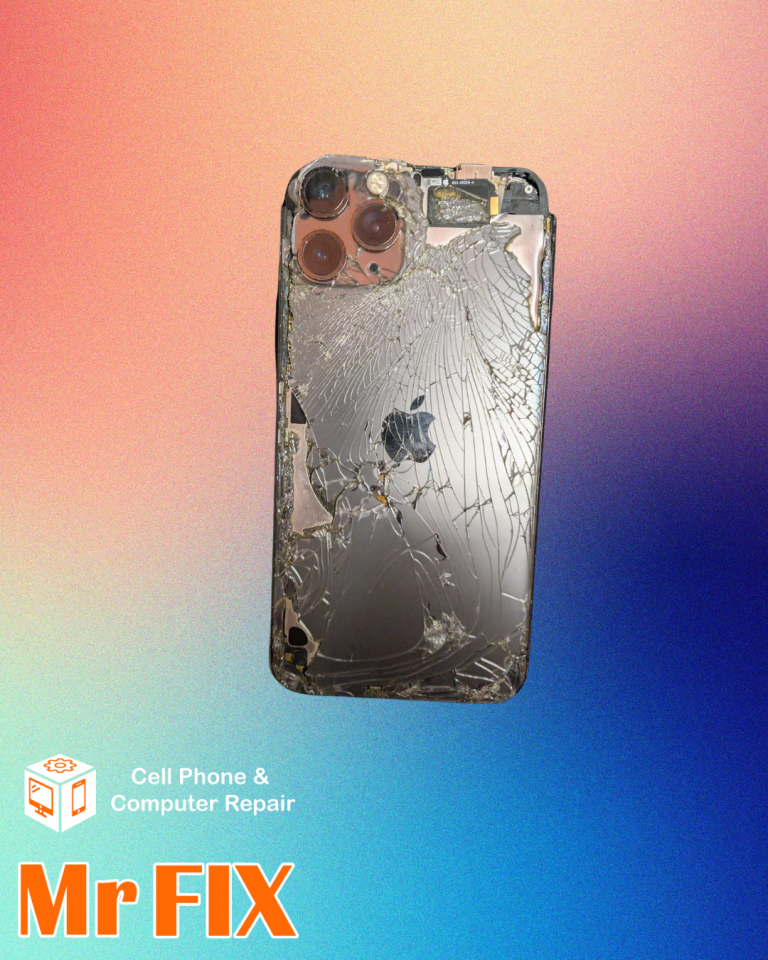
What to Do When Your iPhone’s Back Glass Cracks
A cracked back can be more than just a cosmetic problem; it can also cause difficulties with how your gadget works, make it less…

Apple Watch Battery Replacement Guide – By Mr Fix
Is your Apple Watch having trouble keeping a charge? Maybe the battery dies quickly, or you’ve seen a scary bulge on the rear of…

How to Clean Your MacBook Fan and Prevent Overheating—Step-by-Step Guide by Mr Fix
A MacBook is an essential tool for many people, as it can be used for both creative and work-related tasks. Like any other high-tech…
A Complete Guide to Replacing the iPhone 13 Screen
If your iPhone 13 screen is cracked or broken, it might be hard to operate your phone and get things done. If your screen…

How to Fix Xbox One Wireless Controller Drift
Joystick drift causes your character to move randomly or your camera to pan randomly. This prevalent issue can drastically damage gaming performance and enjoyment.…

Are Your AirPods Not Connecting? Here Is A Quick Fix
Are your AirPods not able to connect to your iPhone, iPad, or Mac? It’s a common problem, but the answer is usually more straightforward…